AI audiovisual production
How to make AI videos for businesses (without them looking AI)
Audiovisual technician · Founder of Brainstorming Films · AI consultant
When someone searches "how to make AI videos" on Google, they almost always find the same answer: a list of applications, a 30-second tutorial, a promise of "no editing skills needed". That answer is useful for a person who wants to produce a clip for their social channels. It's completely irrelevant for a company that wants a piece that will sustain its brand for the next year.
This article is for the second audience. It tries to explain, without cheap promises, how an AI video for businesses actually gets produced: what changes compared to a traditional production, what stays, and why a well-made process still requires a team —even if the tool is new—.
What most tutorials don't tell
The tutorials populating the internet teach how to use an app: type text, generate clip, export. What they don't teach is the part that defines whether the video works or not: direction, narrative, visual coherence, final editing.
That omission isn't accidental. It's hard to teach in thirty seconds. It's also the part that separates a "funny" piece from a professional-looking one.
If your company is looking to produce an AI video for a landing page, a sales presentation, a campaign or a brand manifesto, apps are insufficient. Not because they're bad, but because they solve 10% of the work. The other 90% is something else.
The real process, step by step
A well-produced AI video follows seven steps in order. Skipping any of the first four is the most frequent cause of pieces that "look good but don't convince".
Step 1. Strategy
Before opening any tool, four questions must be answered: what to communicate, to whom, with what objective, and within what broader plan. If this phase gets skipped, everything else is built on sand.
This isn't a technical phase. It's a conversation between whoever directs the project and whoever commissions it. One hour of good strategy saves weeks of misguided iterations.
Step 2. Concept
Once strategy is clear, the story to be told must be decided. Not "what information to transmit", but what narrative sustains the piece. A brand can tell the same thing in ten different ways; the concept defines which one.
A well-stated concept can be explained in two sentences. If it requires more, it probably isn't finished.
Step 3. Script
The script orders the narrative: what gets told in each scene, in what order, with what text, with what image. Here the rhythm, logic and real duration of the piece are decided.
This is the step where AI gets most confused with a shortcut: "what if we ask the model to write the script?". You can. The result is usually a correct but flat text, without the specific decisions that make a script belong to this company and not another. AI is good at assisting; terrible at deciding what matters.
Step 4. Storyboard
The storyboard translates the script into images. It defines framings, art direction, palette, continuity. It's the visual contract between the creative team and the client: what gets approved here is what will be generated afterwards.
Skipping the storyboard is the most expensive shortcut in the process. Without storyboard, every AI generation is a surprise. With storyboard, every generation is a decision.
Step 5. AI generation
Only now does the tool enter. Clips, images and visual resources needed to sustain the storyboard get generated. The criterion isn't "the more, the better": it's "what's needed for the piece to work".
This phase is what radically changed with AI. What used to be a multi-day shoot with technical crew now executes within the post-production flow, under direction.
Result quality depends much more on the decisions of previous steps than on the specific tool being used.
Step 6. Professional editing
Editing converts generated clips into a piece with rhythm, coherent color, careful sound and emotional architecture. It's where a collection of shots becomes a story.
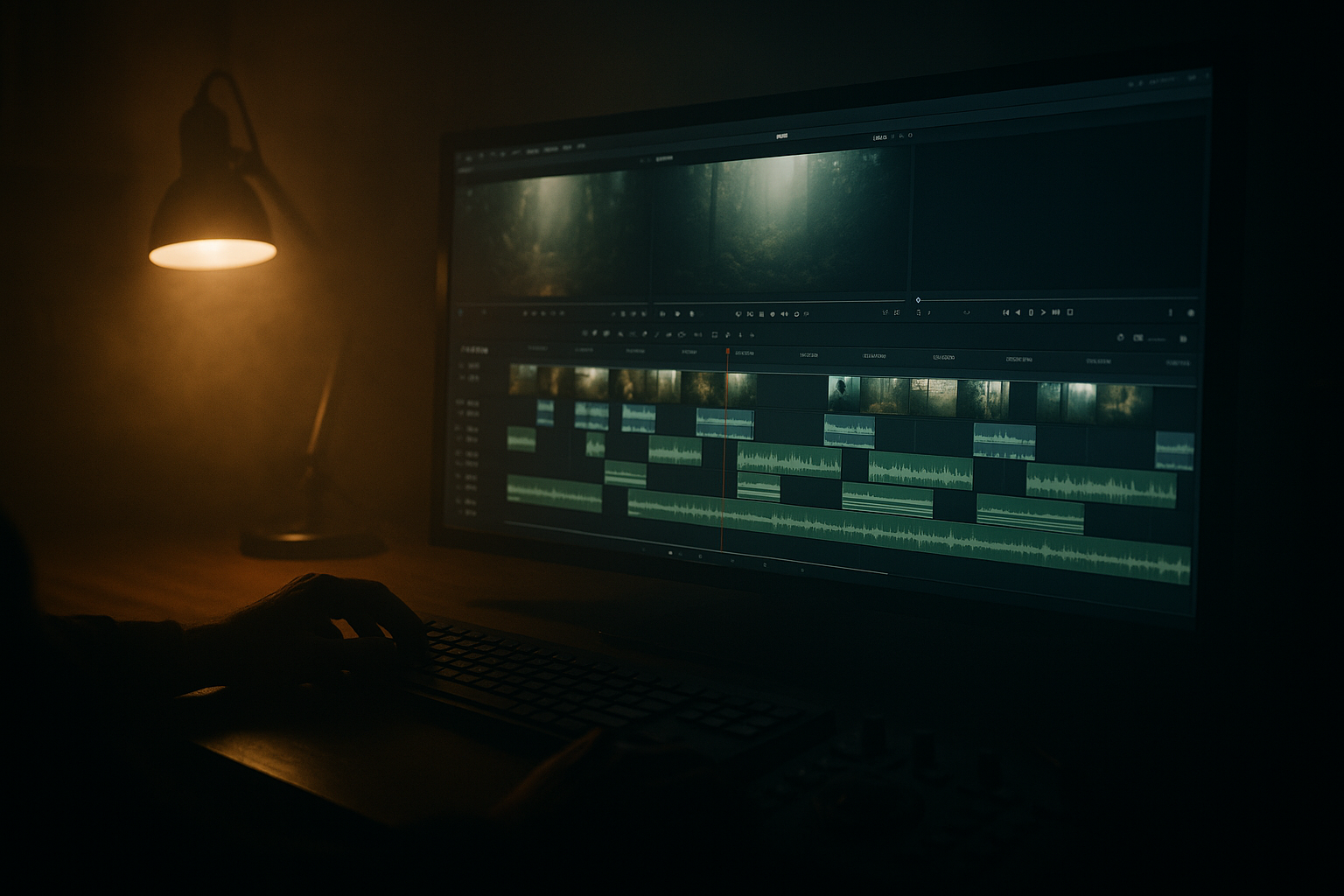
In our flow, this step happens in DaVinci Resolve and usually takes more time than generation itself. Editing is the phase where you notice the difference between a piece that looks professional and one that is.
Step 7. Delivery
The piece gets adapted according to its final use. Web, landings, campaigns, presentations, social. Each format has different requirements: duration, ratio, edit, message hierarchy. A well-made delivery includes all variants the piece will need in its first year of life.
How to avoid AI being noticeable in the result
A frequent —and reasonable— concern is that the audience perceives the piece as "AI-made" and that subtracts credibility from the brand. The good news is it can be avoided. The main keys:
- Fixed art direction before generating. A bible of references with palette, light, lens and explicit criteria. Without this, shots don't fit together and the piece screams "AI" within two seconds.
- Strong editing of typical imperfections. Weird hands, abrupt transitions, background inconsistencies. A pass of fine editing eliminates most.
- Color work and grain. Apply the same color treatment that would be applied to a real shoot. That unifies the shots and brings the texture that raw generation lacks.
- Careful sound. A generic stock mix gives away the shortcut. A thoughtful sound design elevates the piece disproportionately.
- Directed rhythm. Cuts must have intention. A piece with mechanical cuts —every five seconds a new shot— betrays itself. One with built rhythm respects silences and accents.
The five together make the viewer stop thinking "this is AI" and start thinking about what the piece is telling. Which is exactly the point.
Why you can't do it alone
A single person can produce an AI clip in an afternoon. It can be pretty. It's very hard for it to be a professional piece. The reasons relate to craft layers: direction, scripting, color, sound, editing and delivery are different disciplines. Each requires specific craft. When concentrated in one person, some layer ends up weak.
This doesn't mean you need a huge team. In AI productions, a small team —three or four people— can cover the whole flow with quality, provided each brings craft in their layer. What doesn't work is pretending the tool substitutes the layers.
When NOT to produce the video with AI
There are cases where the right answer to "how do I make the video with AI?" is "don't make it with AI". The clearest situations:
- You need real client testimonials. Authenticity isn't generated. If the piece lives on a real case's credibility, it requires a shoot.
- The product needs to show with technical fidelity. Machinery, engineering, specific physical details. Generative models can approximate, not replicate with precision.
- Budget doesn't allow a well-made process. A bad process with AI produces a bad video faster. It's not a financial shortcut: it's a quality lever when accompanied by team and direction.
- The company doesn't have its strategy clear yet. AI accelerates what's already thought through. It doesn't replace strategic thinking.
What to ask when hiring
If your company decides to produce an AI video and is going to hire an external team, four things are worth asking explicitly before moving forward:
- A written strategy session. Not an informal call. Something that lasts as a reference document.
- A storyboard approved before generating. The visual commitment before time gets spent on generation.
- A commitment to professional editing. Color, sound and rhythm, not just clip concatenation.
- Delivery adapted by use. A master piece isn't enough. Each channel has requirements.
Closing
Making an AI video for a company isn't the same as making a clip for social with an app. It's a complete audiovisual production process where AI replaces the shoot, not direction. Final quality depends much more on the decisions made before generating —strategy, concept, script, storyboard— than on the specific tool used afterwards.
If you're interested in how we apply this process, you can review the Brainstorming Films Method applied to AI Videos, or read the 8 questions worth asking before hiring an AI production company.
We reduce structure. We don't reduce craft.
About the author
Audiovisual technician · Founder of Brainstorming Films · AI consultant
Directs AI-powered audiovisual production for B2B brands. After years in traditional production, he founded Brainstorming Films as an AI-native studio: human direction and scriptwriting, modern-tool execution.
More about Gonzalo →